
Introduction
If you use Windows reset via a Self-Service Windows Reset app or built in Windows functionality, or via an action in Microsoft Intune, you or your users may be in for a surprise this month.
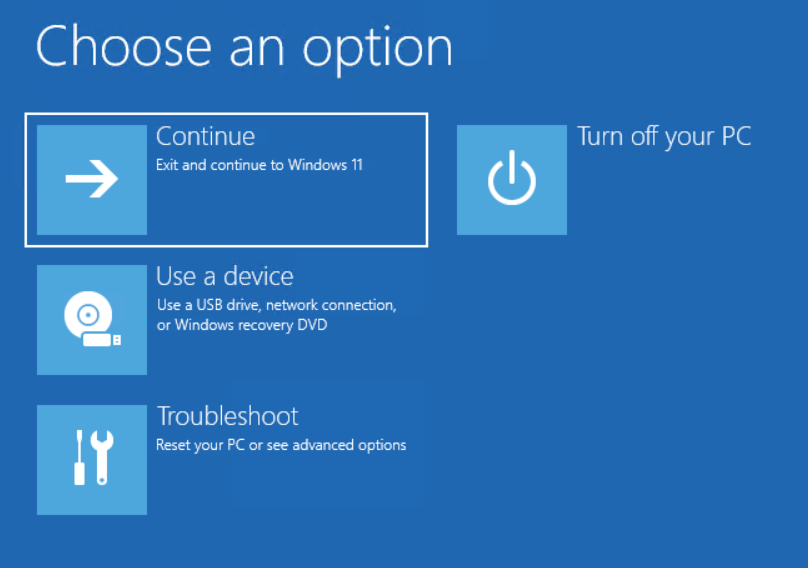
After attempting a reset, it will fail and display this screen
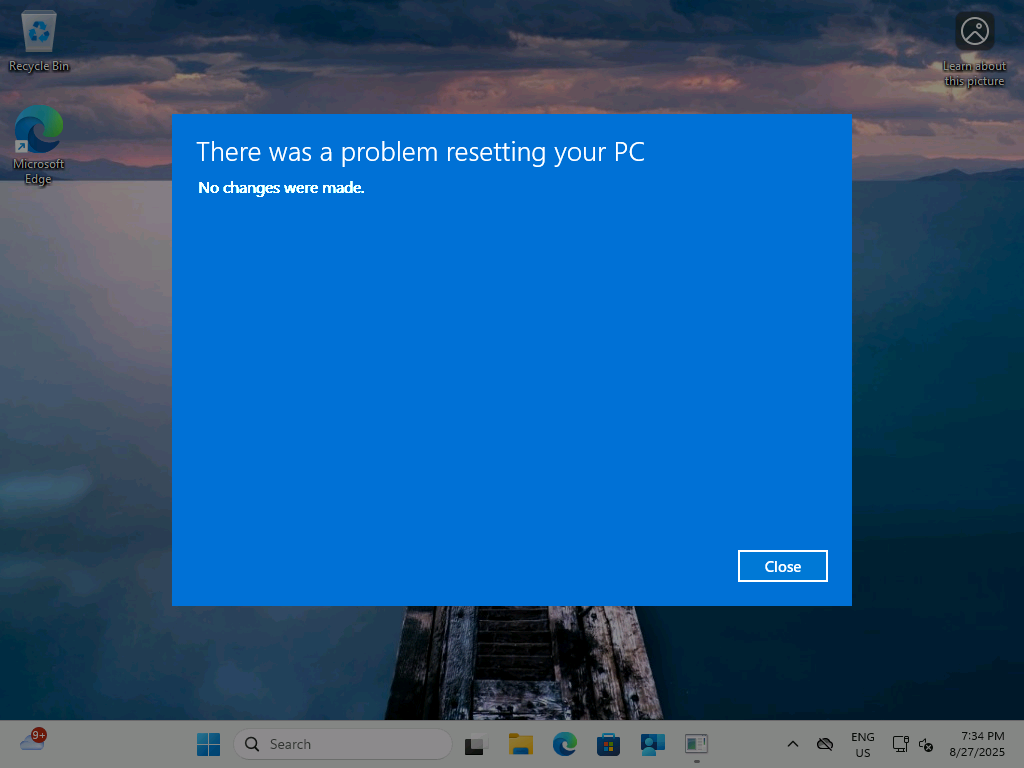
selecting Continue will trigger a roll back of the reset process with the following error.
The August Cumulative update, released August 12th, 2025 is shown here
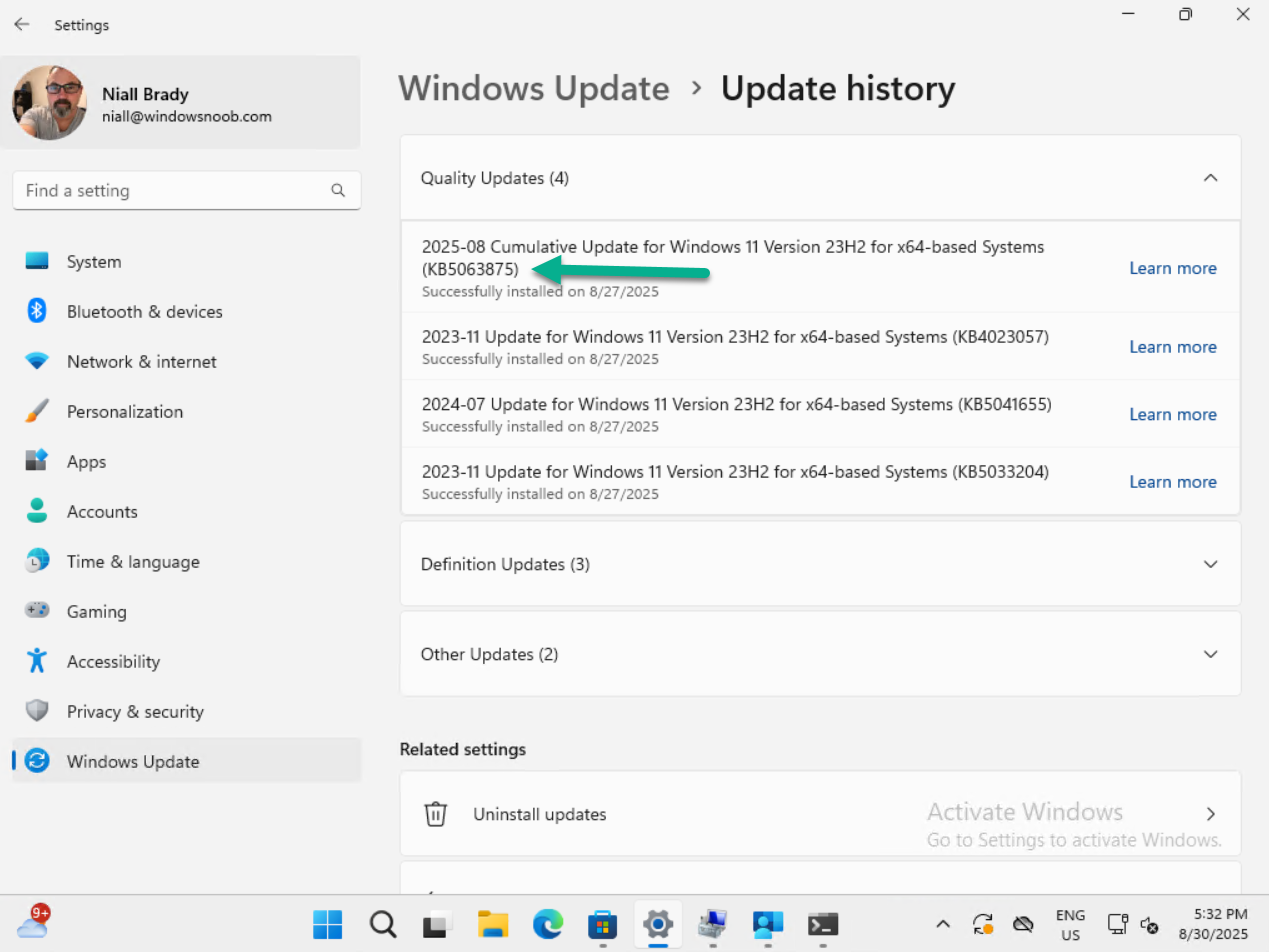
contains some code to patch secure boot amongst other boot sensitive files.
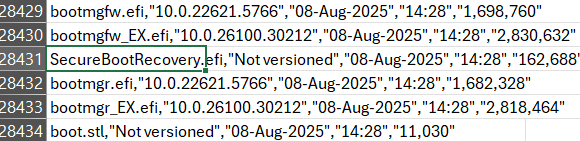
and it seems that in turn broke the ability to reset Windows for the following versions of Windows:
- Windows 11 version 23H2
- Windows 11 version 22H2
- Windows 10 version 22H2
- Windows 10 Enterprise LTSC 2021
- Windows 10 IoT Enterprise LTSC 2021
- Windows 10 Enterprise LTSC 2019
- Windows 10 IoT Enterprise LTSC 2019
Yikes.
After failing a reset, you’ll see lots of errors in the Setuperr.log located in C:\$Sysreset\Logs\setuperr.log
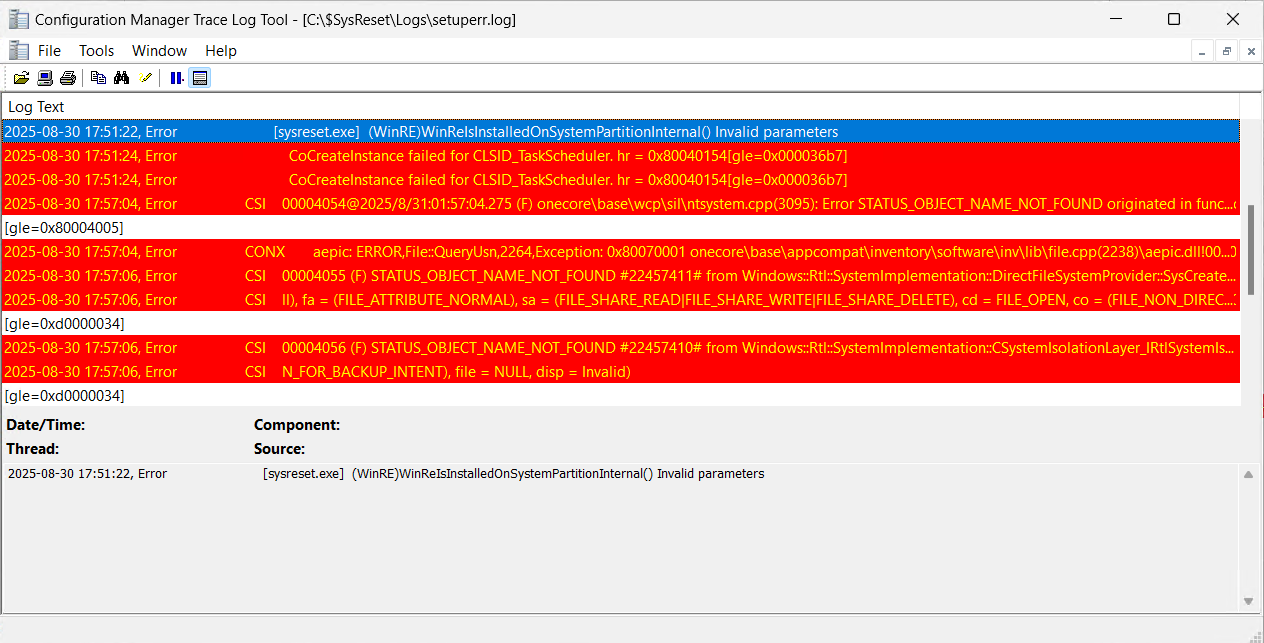
As a result of this update, Microsoft themselves warn against using the built-in Reset and Recovery feature as after installing KB5063875.
“attempts to reset or recover the device might fail. This issue happens when users click to reset their PC, to fix problems using Windows Update or to RemoteWipe CSP.”
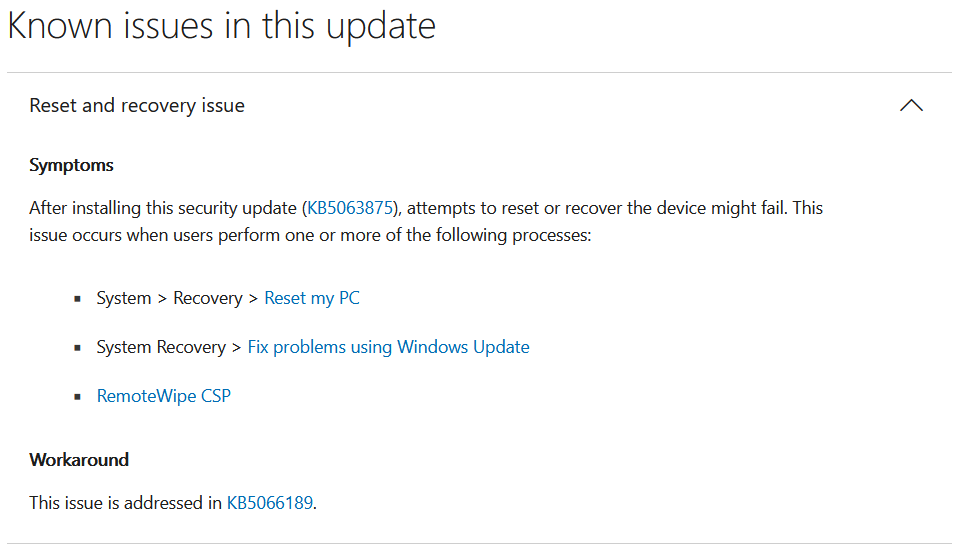
So what’s the fix ?
To resolve the problem, you need to install this Out Of Band (oob) update, you can do that by clicking check for optional updates.. in Windows update settings.

Or if you cannot do that, you can download it from Microsoft Update Catalog and deploy it out to your affected devices.
Once done, restart the computer. After that you’ll be able to reset Windows successfully.
Another option is to use the Expedite update ability of Windows Autopatch, more about that very soon.

Good one, How do we recover the devices that were impacted already before noticing this know issues.
if it’s bitlockered then you’ll need to enter the recovery key, then choose advanced options and uninstall the cumulative update,